Modernising data convergence in AWS through AWS DMS replication and Data Lake architecture
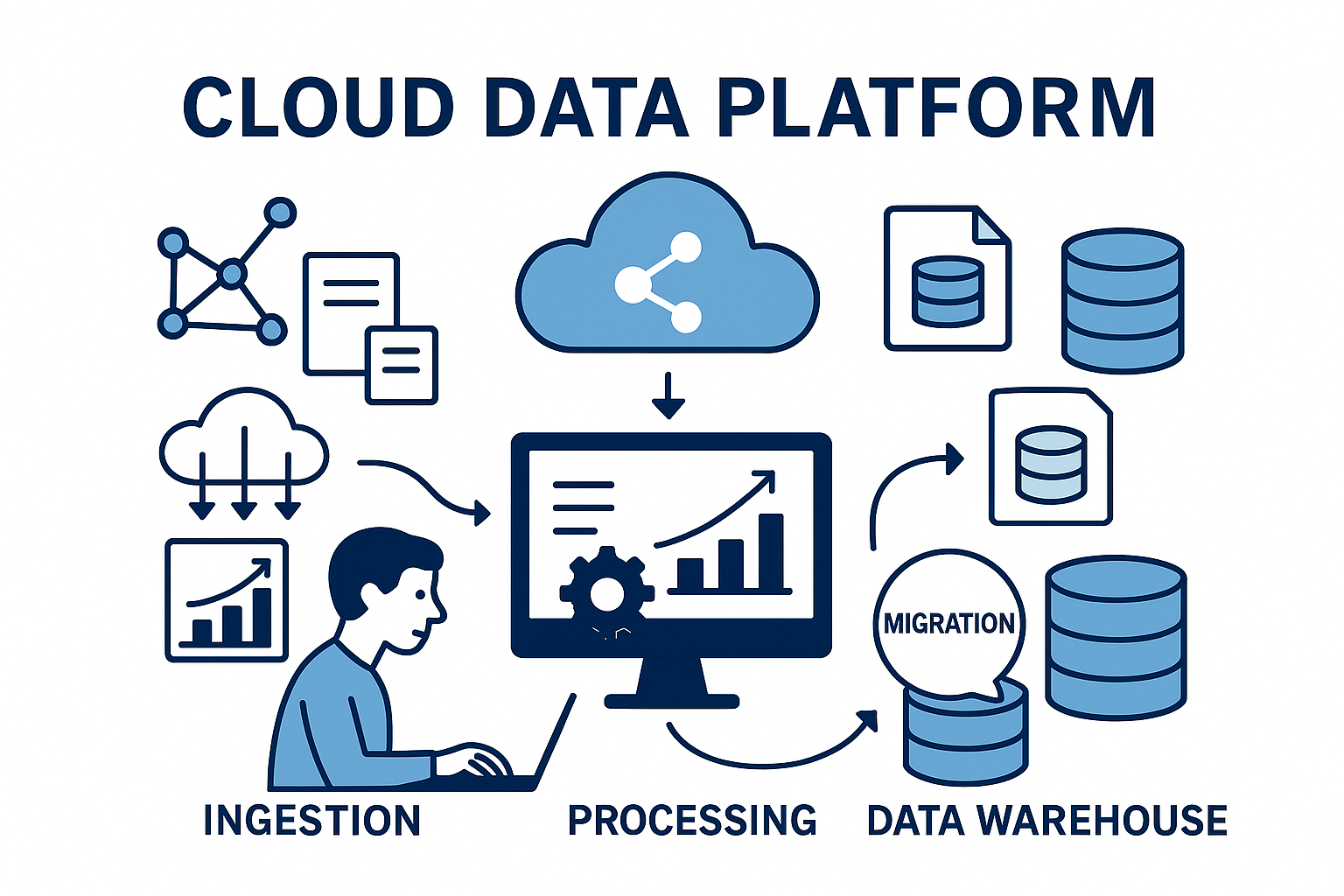
Data Convergence refers to the process of consolidating disparate data sources (OLTP databases, ERPs, CRMs, logs) into a single, cohesive repository to enable unified analytics, machine learning, and reporting.
Building a Data Convergence pipeline using AWS Database Migration Service (DMS) and an S3-based Data Lake architecture is an industry-standard pattern. It allows you to move data from legacy transactional databases into a highly scalable storage layer with minimal impact on your production workloads.
Data convergence is about bringing data from multiple operational systems into a single, consistent platform where it can be:
- Centralised in one place (your data lake on Amazon S3)
- Kept in sync with source changes (using CDC from AWS DMS)
- Standardised and governed (schemas, quality, security)
- Served to many consumers (BI, ML, real‑time analytics)
In AWS, the usual pattern is:
Operational databases → AWS DMS → S3 data lake → Processing (Glue/EMR) → Lakehouse/warehouse (Athena, Redshift, Iceberg/Delta)
Components
1. Source Systems
Multiple heterogeneous databases such as:
- Oracle
- SQL Server
- MySQL
- PostgreSQL
- SAP databases
- MongoDB (supported versions)
These contain transactional business data.
2. AWS DMS (Database Migration Service)
AWS DMS performs:
- Initial full load
- Continuous Change Data Capture (CDC)
- Schema conversion (with AWS SCT if required)
Output targets include:
- Amazon S3
- Amazon Redshift
- Amazon RDS
- Amazon Aurora
- Apache Kafka
- Amazon Kinesis
For a data lake, Amazon S3 is the most common destination.
3. Raw Data Lake (Landing Zone)
Data is stored exactly as received.
Example structure:
s3://company-data-lake/raw/

 oracle/
 customer/
 orders/

 sqlserver/
 employee/

 mysql/
 sales/
Typical formats:
- CSV
- JSON
- Parquet
Partitioning example:
year=2026/
month=07/
day=01/
4. AWS Glue Catalog
AWS Glue Crawlers automatically discover:
- Tables
- Schemas
- Partitions
The Glue Data Catalog acts as the metadata layer.
5. Data Transformation
AWS Glue ETL jobs perform:
- Data cleansing
- Standardization
- Data quality checks
- Deduplication
- Joining datasets
- Data enrichment
Example:
Customer Oracle
 +
Sales SQL Server
 +
CRM PostgreSQL

 ↓

Unified Customer Table
6. Curated Data Lake
Store optimized datasets.
Preferred formats:
- Apache Parquet
- Apache Iceberg
- Delta Lake (if using compatible tools)
Benefits:
- Columnar storage
- Compression
- Faster queries
- Lower storage cost
Example:
s3://company-data-lake/curated/

customers/
sales/
finance/
inventory/
7. Analytics Layer
Data can be queried using:
- Amazon Athena
- Amazon Redshift Spectrum
- Amazon EMR
- Apache Spark
- Amazon SageMaker
Visualization:
- Amazon QuickSight
- Tableau
- Power BI
Setting Up AWS DMS for Convergence
AWS DMS accomplishes data convergence through two distinct phases: Full Load (migrating the existing snapshot) and CDC (Change Data Capture) (replicating ongoing data modifications in near real-time).
Step 1: Network & Prerequisites
- Ensure the DMS Replication Instance resides in a Virtual Private Cloud (VPC) with security groups configured to access your source databases.
- Enable logical replication or binary logging on your source system (e.g.,
wal_level = logicalfor PostgreSQL, or enablingbinlogfor MySQL) so DMS can parse transaction logs without degrading performance.
Step 2: Configure DMS Endpoints
- Source Endpoint: Connects to your production database via credentials stored securely in AWS Secrets Manager.
- Target Endpoint: Points to your Amazon S3 Bronze bucket.
Best Practice Endpoint Settings: > Set the target format to Apache Parquet. Parquet is a columnar storage format that compresses data heavily (saving ~70% on storage costs) and significantly accelerates analytical queries compared to CSV.
Step 3: Run Full Load + CDC Tasks
Configure a DMS Migration Task with the option
Migrate existing data and replicate ongoing changes
.
- Full Load: DMS dumps the existing database records into S3 partitioned by table name.
- CDC: DMS continuously tailors transaction logs. Whenever an
INSERT,UPDATE, orDELETEhappens at the source, DMS outputs a new file to S3 containing the data payload alongside a structural header metadata tag (e.g.,Opflag indicating'I','U', or'D').
Production Best Practices
- DMS Serverless: Consider using DMS Serverless for replication tasks; it scales data capacity units (DCUs) automatically based on transaction volume, reducing idle infrastructure costs.
- File Size Optimisation: Configure your DMS S3 target settings using
CdcMaxBatchIntervalandCdcMinFileSize. This prevents the "small file problem" (creating thousands of tiny S3 files that cripple query performance). Aim for files between 128MB and 512MB.
- Partitioning: Ensure DMS partitions data by timestamp (e.g.,
year=YYYY/month=MM/day=DD/). This allows Athena to skip files outside the query range, optimising performance and reducing query bills.